Software und Anwendung für AutoCAD Plant 3D · Autodesk Authorized Training Center · Frankfurt am Main
Deutsch · · +49 69 9450725-0 · vertrieb@seitz-ingenieure.de

Learning · Learning path
From user to project manager
Four consecutive qualification levels and a learning path in five steps – bookable individually or as a program.
3planning concepts
4levels
5steps
Three planning concepts

New plant design
From P&ID to 3D model based on verified catalogs, piping specs and templates.
- AutoCAD P&ID
- AutoCAD Plant 3D
- Catalogs, piping specs, templates
Planning in existing plants
Modification and extension – from laser scan to as-built model.
- Laser scanning & ReCap
- Modeling with EdgeWise
- Continuing the design in Plant 3D and Revit
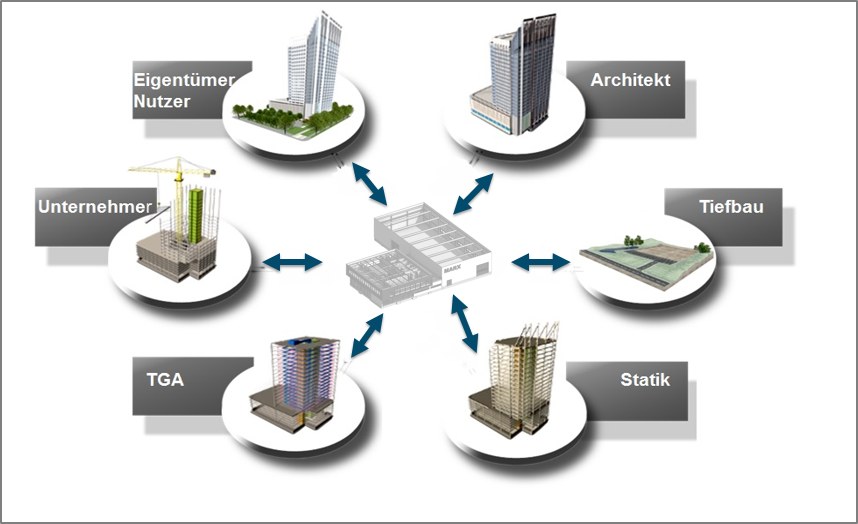
Connected working
Merge discipline models and use them together.
- Autodesk Drive & Desktop Connector
- Construction Cloud, Vault
- BIM management
Four qualification levels
Basic training
Level 1 · User
Basic training
- AutoCAD – CAD basics
- Plant engineering – CAD application basics
- P&ID Application
- Plant 3D Application
Administrator
Level 2 · Administrator
Administrator
- Plant 3D Setup
- Database management
- Data Manager, Report Creator
Expert
Level 3 · Developer
Expert level
- Plant 3D Python Scripting
- Scripts for catalog components
- Equipment script format
Project group
Level 4 · Coordination
Project group
- Review & clash detection
- Navisworks for Plant 3D
- Coordination of disciplines
Five steps: piping designer → project manager
- Basic knowledgestandards, requirements, catalogs, piping specs
- As-built capturesite plans, laser scanning, ReCap
- ModelingAutoCAD 2D/3D, EdgeWise
- Discipline designPlant 3D, Inventor, calculation
- Project manager · BIMNavisworks, ACC, Vault
Course manuals
Training participants receive 3 months' access to the video course or course manual – for P&ID, Plant 3D, Navisworks and ReCap.
AutoCAD
Plant engineering
AutoCAD P&ID
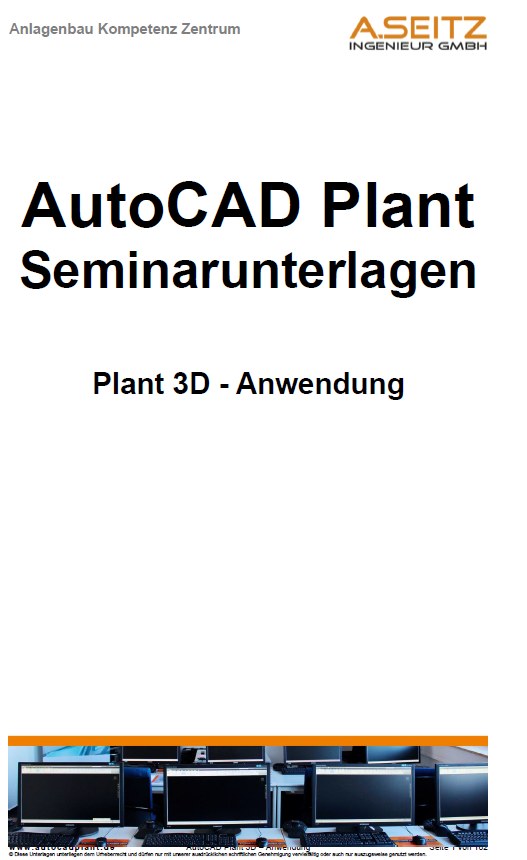
Plant 3D
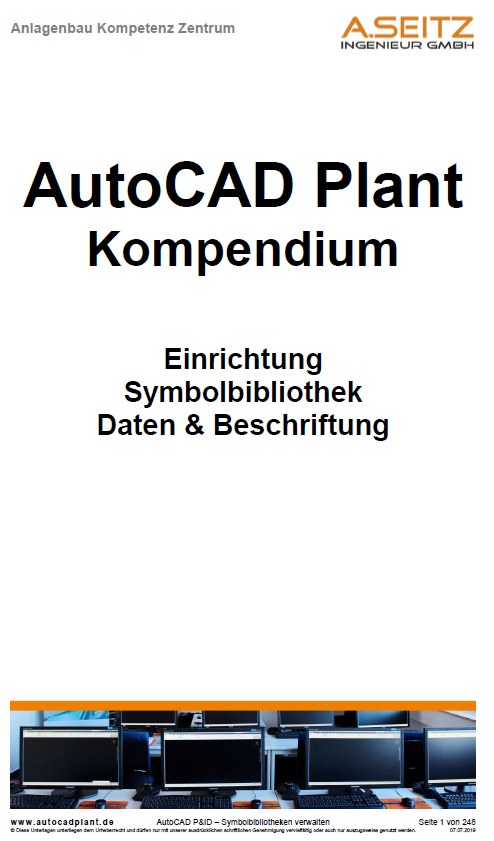
Plant 3D Compendium
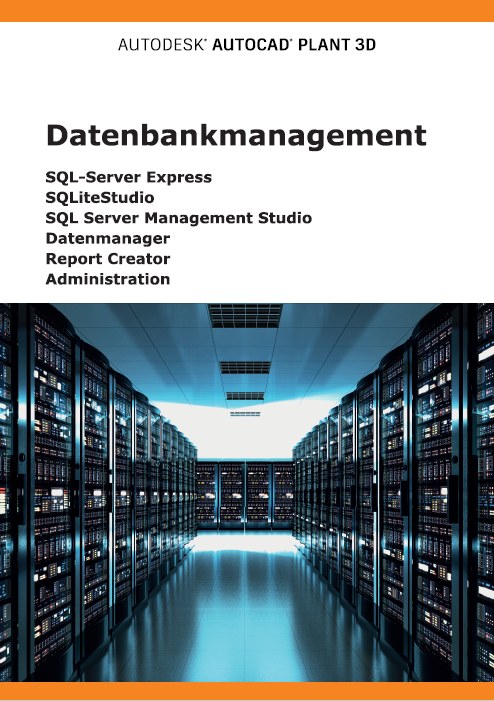
Database management
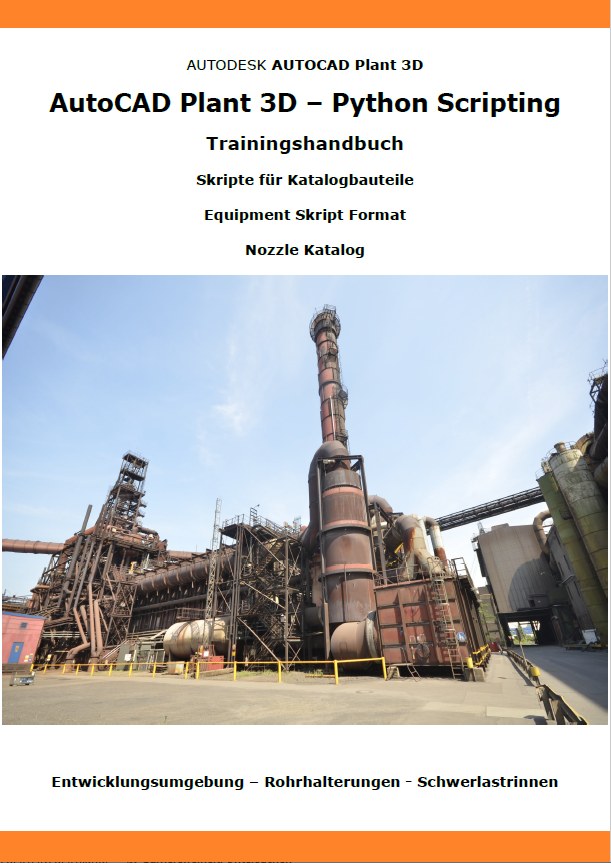
Python scripting
Planning in existing plants
Autodesk ReCap

EdgeWise

Navisworks
Disciplines
Before you go …
Don't miss any training dates, C³ invitations and news on AutoCAD Plant 3D and P&ID.
Our newsletter only arrives when there's something important – concise and with tips from practice.